Reviews
Glean Review - The Enterprise AI Platform Built On Your Own Data
We've tested Glean, the enterprise AI platform that connects to your company's internal apps so search, assistants, and agents all run on your own data.

We've tested FTPie, the ultimate FTP and Clouds explorer
Welcome to our FTPie review 🤩
FTPie is an FTP Client and a “Cloud Explorer.” I must admit: that I had difficulty visualizing what you could do with FTPie before reading the landing page. When I saw "FTP client," I imagined something like Filezilla, which I used years ago.
But FTPie is much more than just an FTP client: we will show you why in this review!
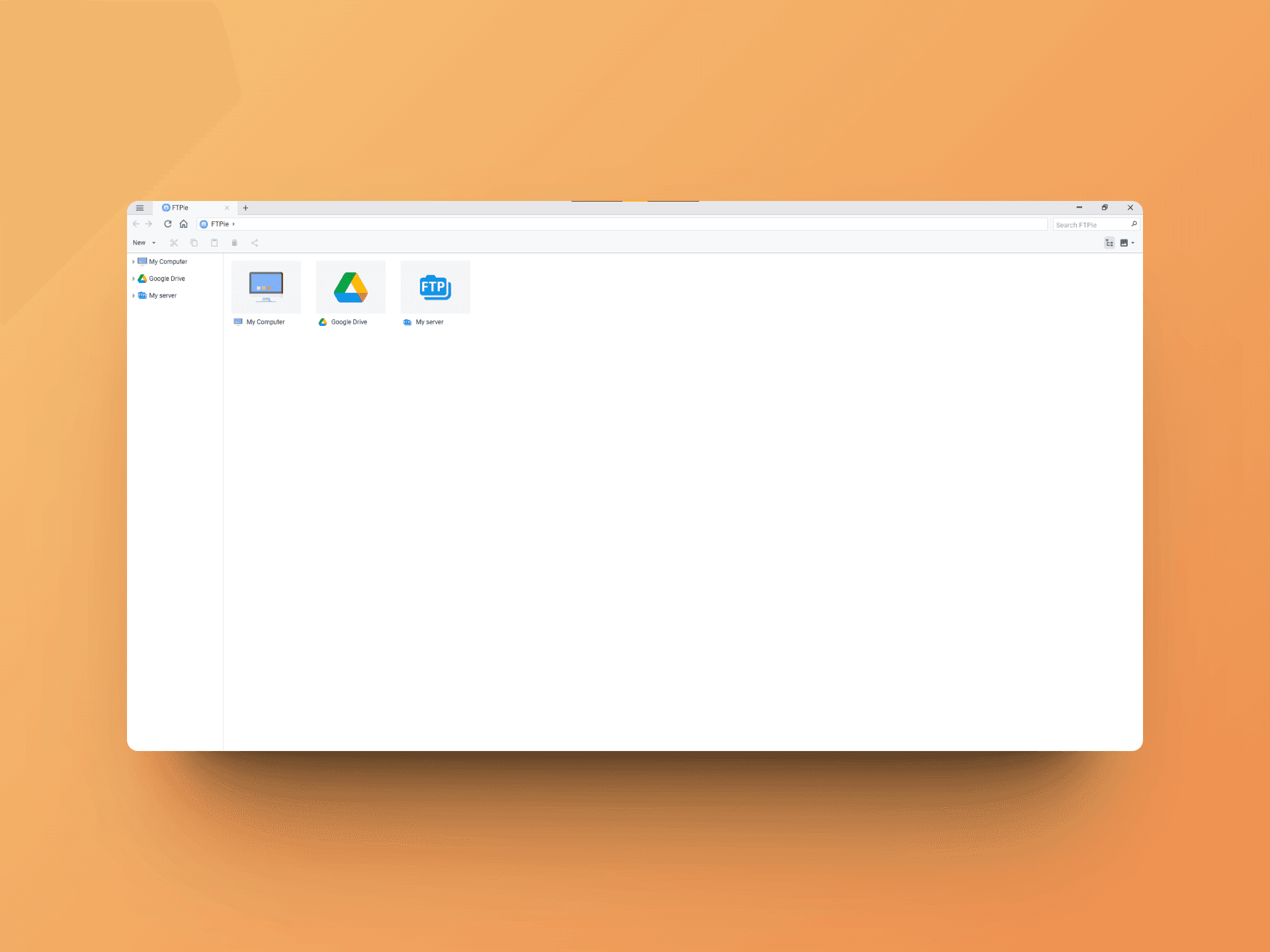
When you first arrive at FTPie, you only have access to "My Computer," which allows you to explore your computer's files through a smooth and pleasant interface. The application is also available in dark mode, which I will enable for the next screenshots 😇.
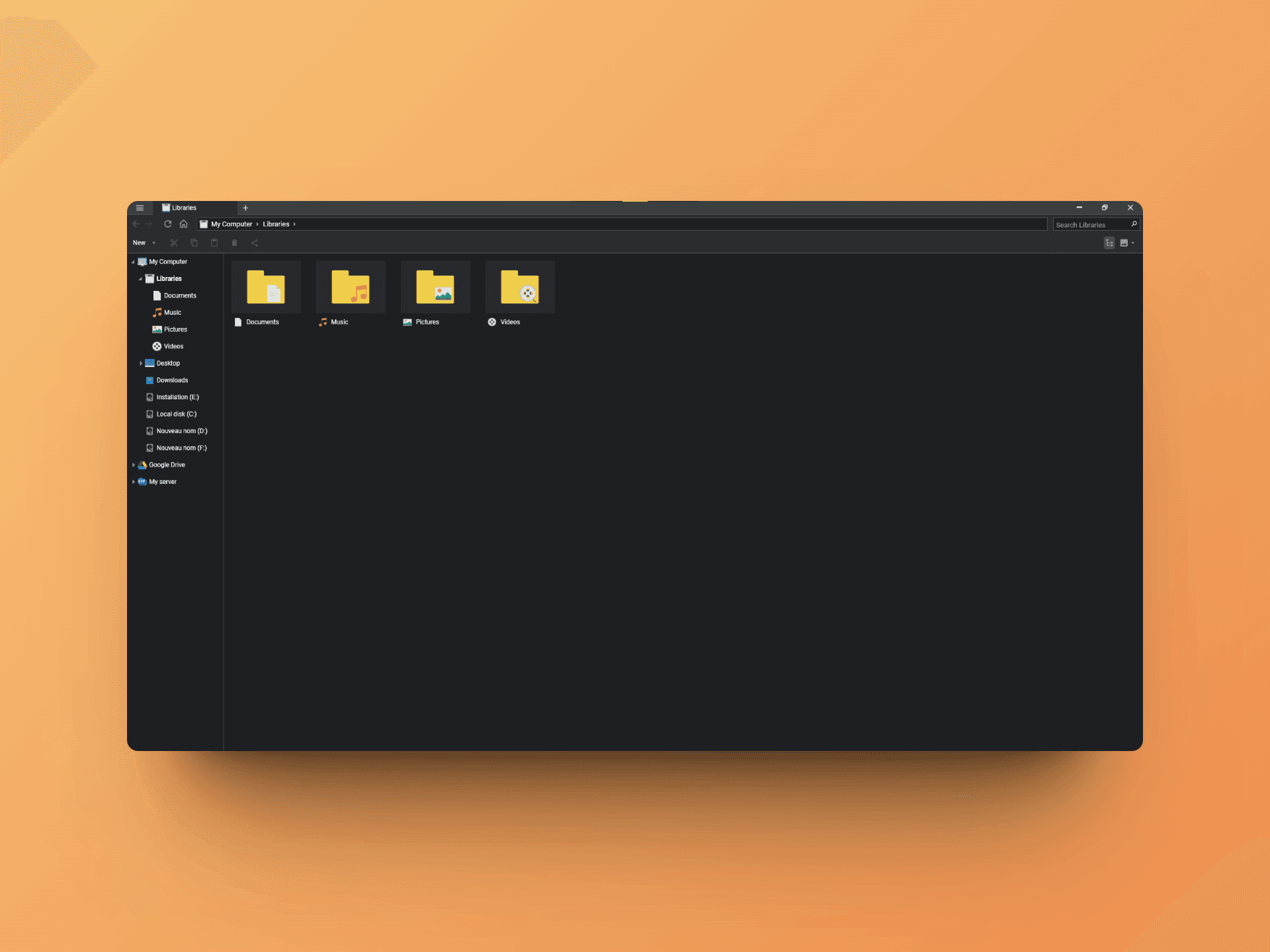
The file explorer has all the basic features: viewing, copying, deleting, previewing, icons, etc. It is entirely capable of replacing your default file explorer if you wish.
But now, let's explore the more advanced features!
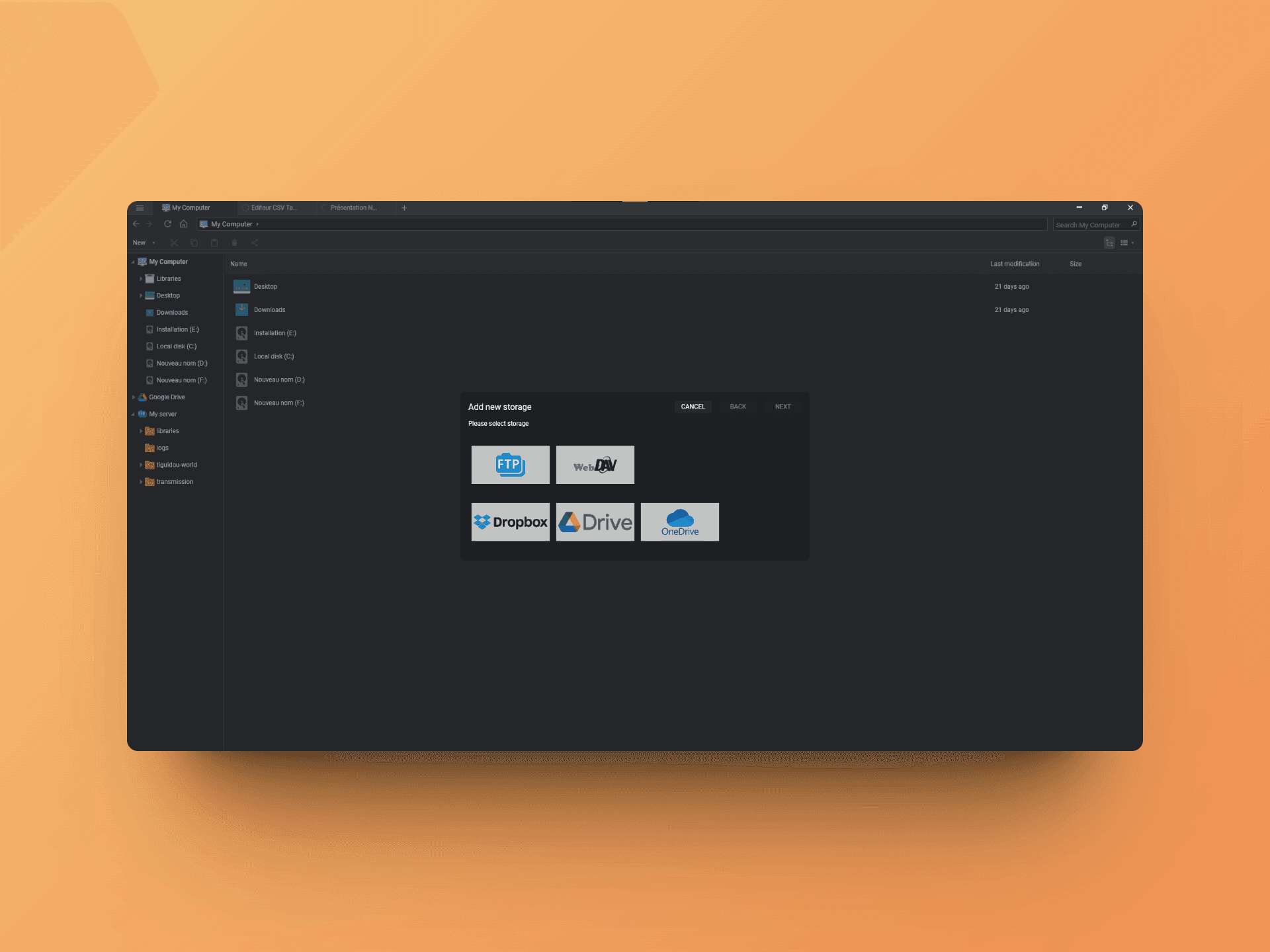
You have the option to add new "sources" to FTPie: FTP connections, WebDAV, and especially Dropbox, Google Drive, and OneDrive.
All these sources will be accessible via a single interface 🤩!
The FTP connection to my server works without any issues, and I find myself wondering why I got used to doing everything via the terminal when it's possible to have such a handy interface 😅.
I then connect my Google Drive account...
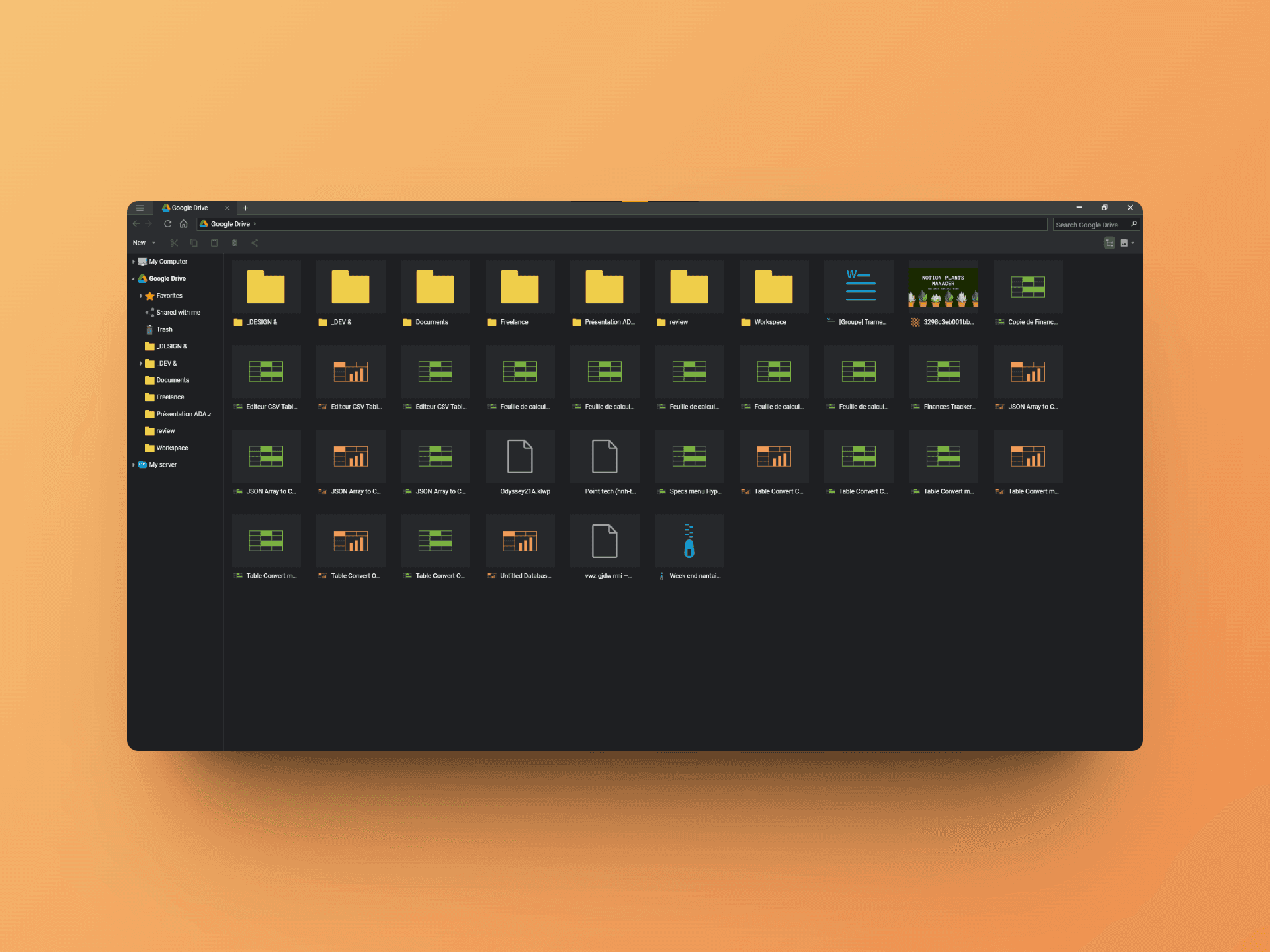
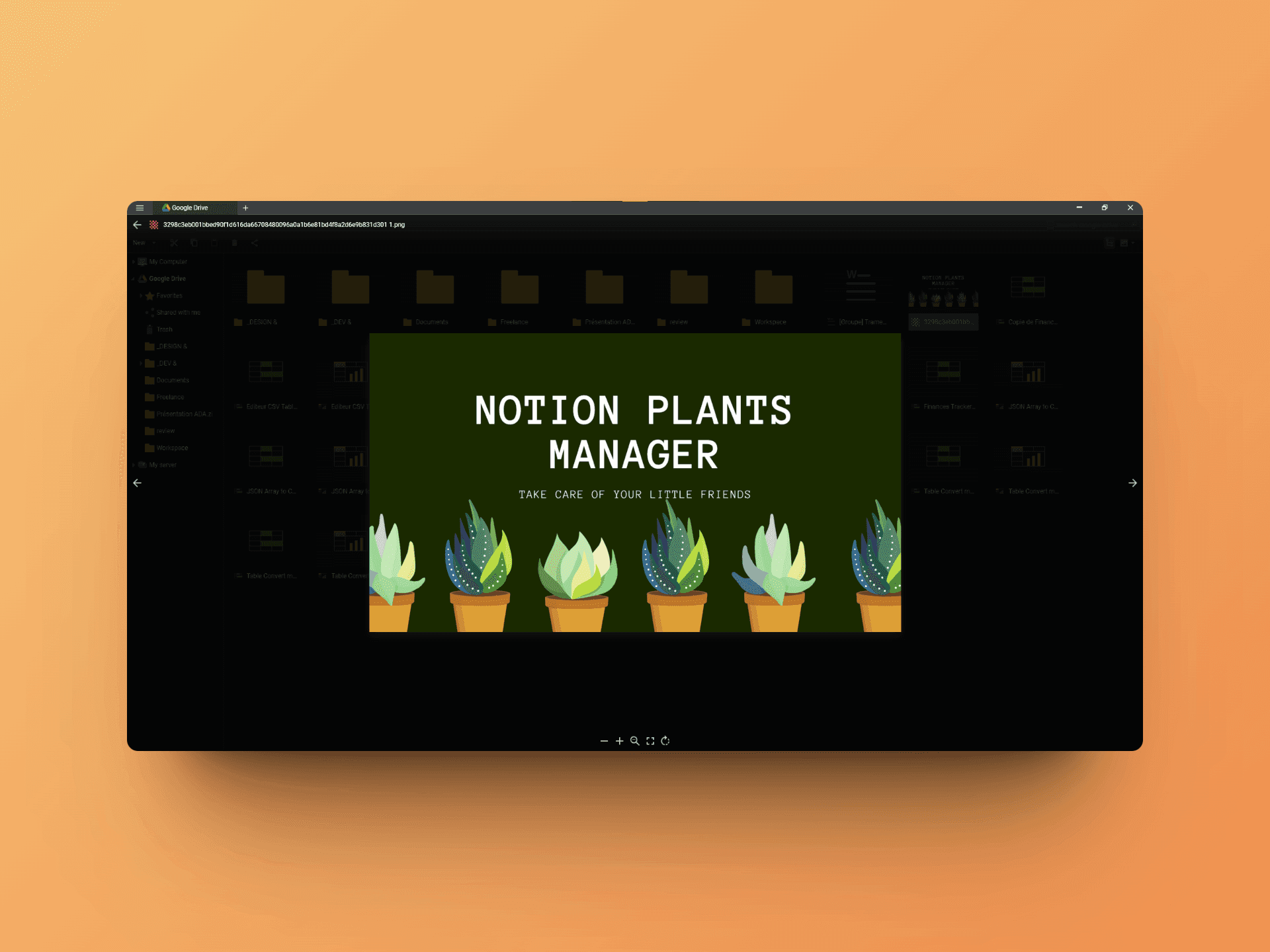
And it's at this moment that I realize the power of FTPie 🤯. Here is a non-exhaustive list of what you can do:
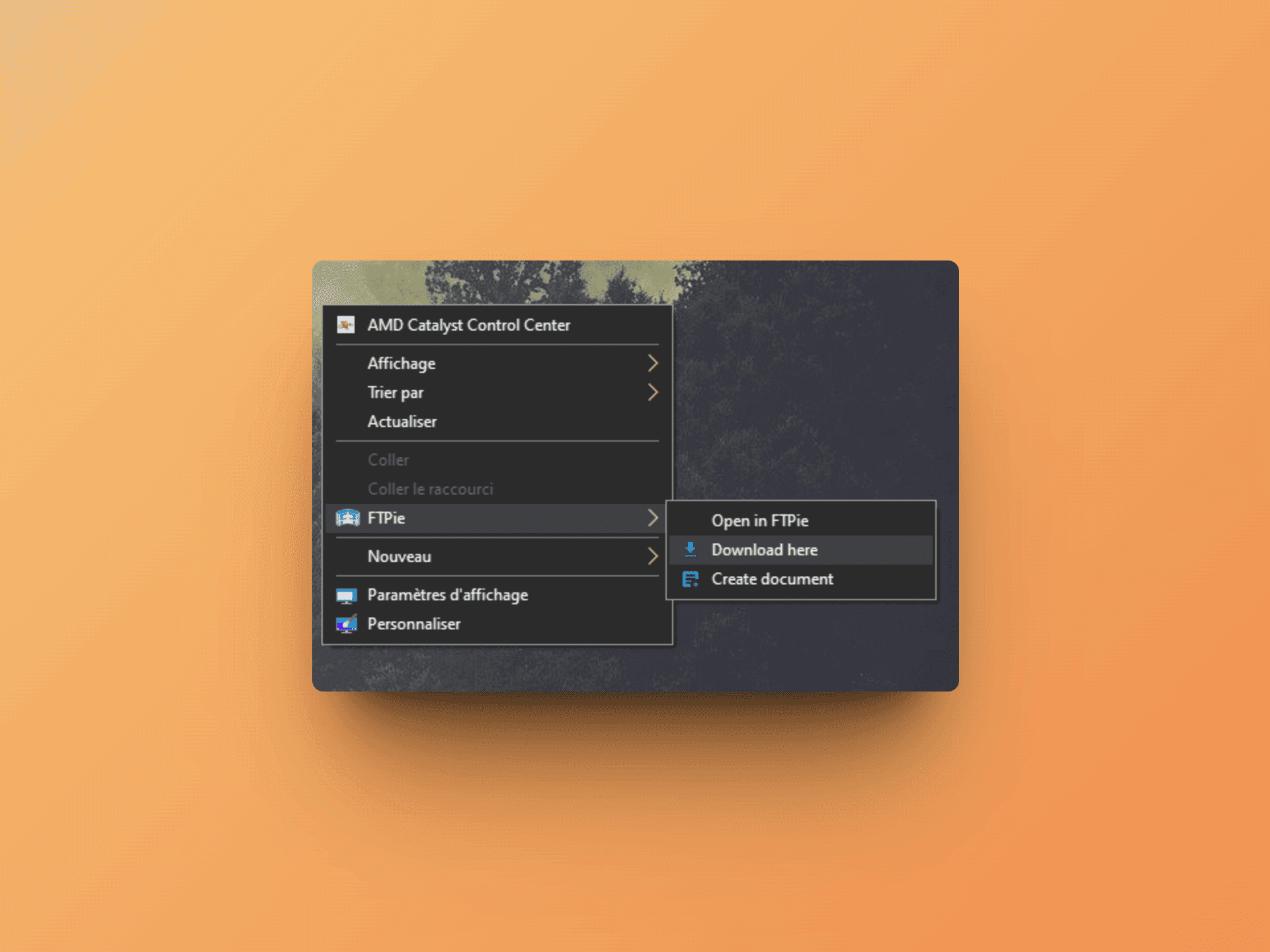
And finally, FTPie also adds very handy shortcuts in the Windows context menu:
And that concludes our FTPie review! This tool is much more than a simple FTP client and allows you to imagine new workflows to manage your files and servers with greater productivity.
Moreover, unlike many tools of the same kind, FTPie offers a free trial and is available as a one-time purchase!
My only regret is that it is only available on Windows for now!
Bento Review - Better than Convertkit in 2025?
We've tested Bento, Email & Automation for FAST Growing Startups
QuizRise Review - 2024
We've tested QuizRise, the AI quiz generator to make learning easy