Reviews
Instagram Transcript Generator Review - Every Word of a Reel, No Signup
We've tested the Instagram Transcript Generator, a free tool that turns any public Reel into a full text transcript without an account.
We've tested Glean, the enterprise AI platform that connects to your company's internal apps so search, assistants, and agents all run on your own data.
Welcome to this Glean (glean.com) review ✨
Every company I've worked with has the same quiet problem. The answer exists. Someone wrote it down eighteen months ago, in a Confluence page, or a Slack thread, or a Google Doc nobody linked to. It's there. But finding it costs more than rewriting it, so people rewrite it. Then there are two answers, and the next person finds the wrong one.
General-purpose AI didn't fix this. If you paste your question into ChatGPT, you get a confident answer built on the public internet and nothing about how your company works. It doesn't know your product names, your on-call rotation, or that the pricing doc got superseded in March. Glean's bet is that the missing ingredient was never the model — it was context.
Glean is an enterprise AI platform that connects to your internal apps, indexes everything behind your existing permissions, and then runs three things on top of that index: search, an AI assistant, and agents. That's what I set out to look at.
One thing to say plainly up front, because it shapes this whole review. Glean has no free tier, no trial, and no self-serve signup. Every button on the site is "Get a demo." Sign-in goes to a corporate SSO screen. Even the interactive product tour is locked behind a lead-capture form asking for your work email and phone number. So I could not run Glean against a real corpus and tell you what it retrieved — nobody outside a paying customer can.
What I could do is dig into the parts that are open, and Glean's are unusually open: a public connector directory, a public agent library, and technical documentation that publishes things most vendors bury — including a full pricing rate card and per-connector crawl schedules. That documentation turned out to be more revealing than a demo would have been.
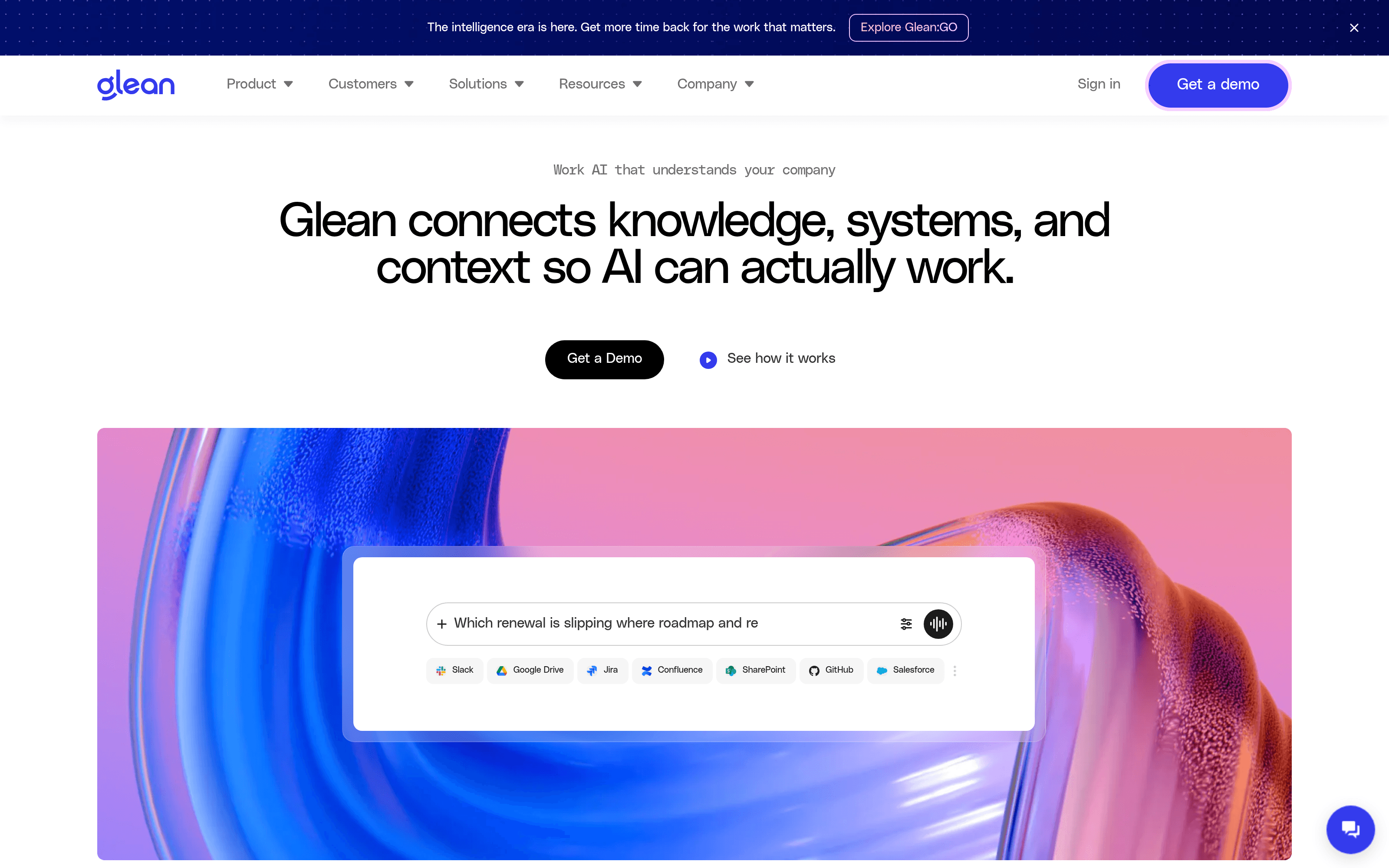
It's tempting to look at Glean and see a chat box. The chat box is the least interesting part.
What you're really buying is the layer underneath: a permissions-aware index of your company, plus two graphs built on top of it. Glean calls them the Enterprise Graph and the Personal Graph, and the split is genuinely useful. The Enterprise Graph maps entities — people, projects, teams, products, customers, processes — and the signals hanging off each one. Their own example is a product entity carrying its documentation, its support tickets, and its feature specs. The Personal Graph does the same for you individually: which tasks you're on, who you owe things to, how fast you usually turn work around.
The point of building both is disambiguation. Glean's documentation uses the example of telling "Gemini 2.0 Flash" apart from "Gemini 2.0 Pro" — the kind of distinction that pure semantic similarity fumbles and that wrecks an answer when it does. It's a good example precisely because it's unglamorous.
Connectors are what feed this, and there are a lot of them: 275+, spread across thirteen categories from Calendar to Single sign-on. Browsing the directory, each connector carries one of three badges — Native, MCP, or Push API — which tells you how it's wired in. Slack, Jira, Confluence, SharePoint, Salesforce, GitHub, Workday, Notion, Databricks, ServiceNow: the enterprise long tail is well covered, and if yours isn't there you can build one with the Indexing SDK, add actions via an OpenAPI spec, or point it at an MCP server.
A small thing I noticed while clicking around: Glean's own site can't agree on the number. The body copy says 275+, the navigation menu says "more than 250," and the enterprise search page says "100+ connectors" and "100+ tools." Four figures, live at the same time. It's cosmetic, but it's the kind of thing you notice when you're reading closely.
Permissions are the part that matters most and that I want to be careful about. Glean inherits and enforces whatever your source systems already say, so nobody sees anything they couldn't already open. That's the right design. It also means Glean will faithfully surface your existing oversharing — if a sensitive channel is open to all staff, Glean will find it and hand it to someone. Several public reviewers describe exactly this, one calling it "invasive" to get Slack conversations they weren't part of in results. Glean isn't doing anything wrong there. It's showing you a permissions problem you already had.
The Assistant is the surface most employees will touch. Glean's framing is "your enterprise-ready AI coworker," which is the sort of phrase I usually skip past — but the documented mechanics behind it are more specific than the tagline.
A request runs through five named stages: Find, Plan, Research, Iterate, Deliver. Find sweeps your tools and the web. Plan breaks the request into a strategy and spins up sub-agents to work in parallel. Research sends out what Glean calls scouts to fill gaps the original question didn't anticipate. Iterate re-evaluates and asks clarifying questions. Deliver assembles the result.
The scouts idea is the one I'd want to test hardest if I had access, because it's where this either earns its keep or wastes your money. Chasing context the user didn't ask for is exactly how you get a genuinely better answer, and also exactly how a query balloons in cost — and as you'll see in the pricing section, Glean meters that.
Around the Assistant sit the pieces you'd expect from a 2026 product: Deep Research for long-form reports, Canvas for editing and refining documents, slide and image generation, a code writer, meeting notes with near-real-time transcription, and a real-time voice mode. It runs in a browser app, a sidebar and companion, a desktop app, a mobile app, and embedded inside other tools.
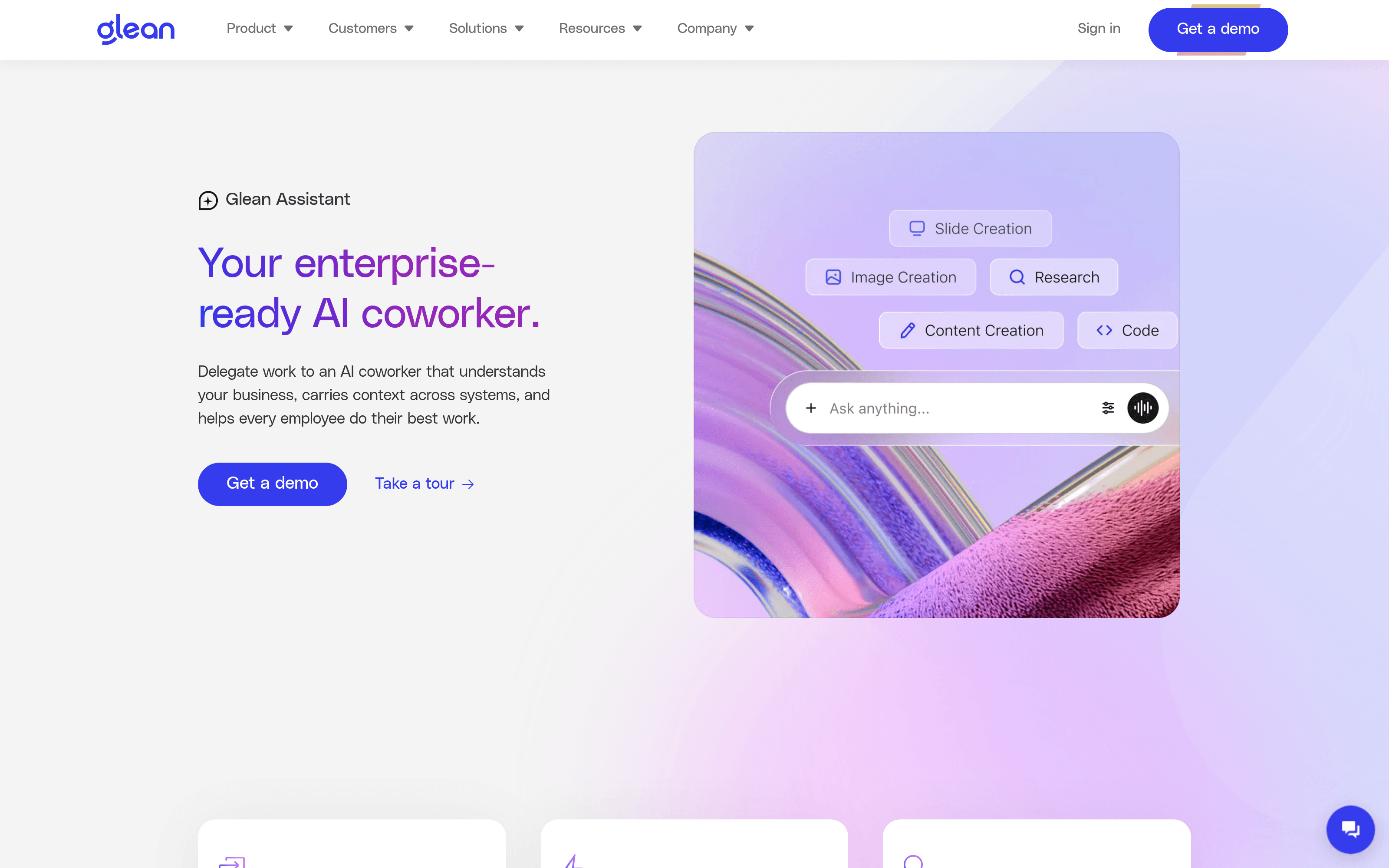
Worth knowing: this is where I hit the wall. Clicking "Take a tour" opens a scripted walkthrough of a demo tenant, and before it plays you have to hand over your name, work email, company, company size, phone number and country, and accept marketing email. For a product this expensive that gate is defensible. It's still a gate on a marketing page, and it's the only route to seeing the interface without a sales call.
Agents are where Glean is pushing hardest, and where the design decision I liked most sits.
Glean splits agents into two types rather than pretending one shape fits everything. Workflow agents are built in a visual drag-and-drop builder and follow a fixed path — you use these when the process must run the same way every time. Autonomous agents take plain-language instructions and work out their own approach. Most tools in this space pick one philosophy and make you contort your use case around it; offering both, and being clear about which is which, is the more honest engineering choice.
The build flow is four steps — Describe, Connect, Refine, Deploy. You describe the agent in plain language and Glean drafts it; you connect data sources and APIs with permissions intact; you test outputs and adjust instructions and "creativity settings"; then you ship it. Every change is versioned automatically, with rollback — which sounds boring until an agent that's live for 4,000 people starts behaving differently and you need to undo it.
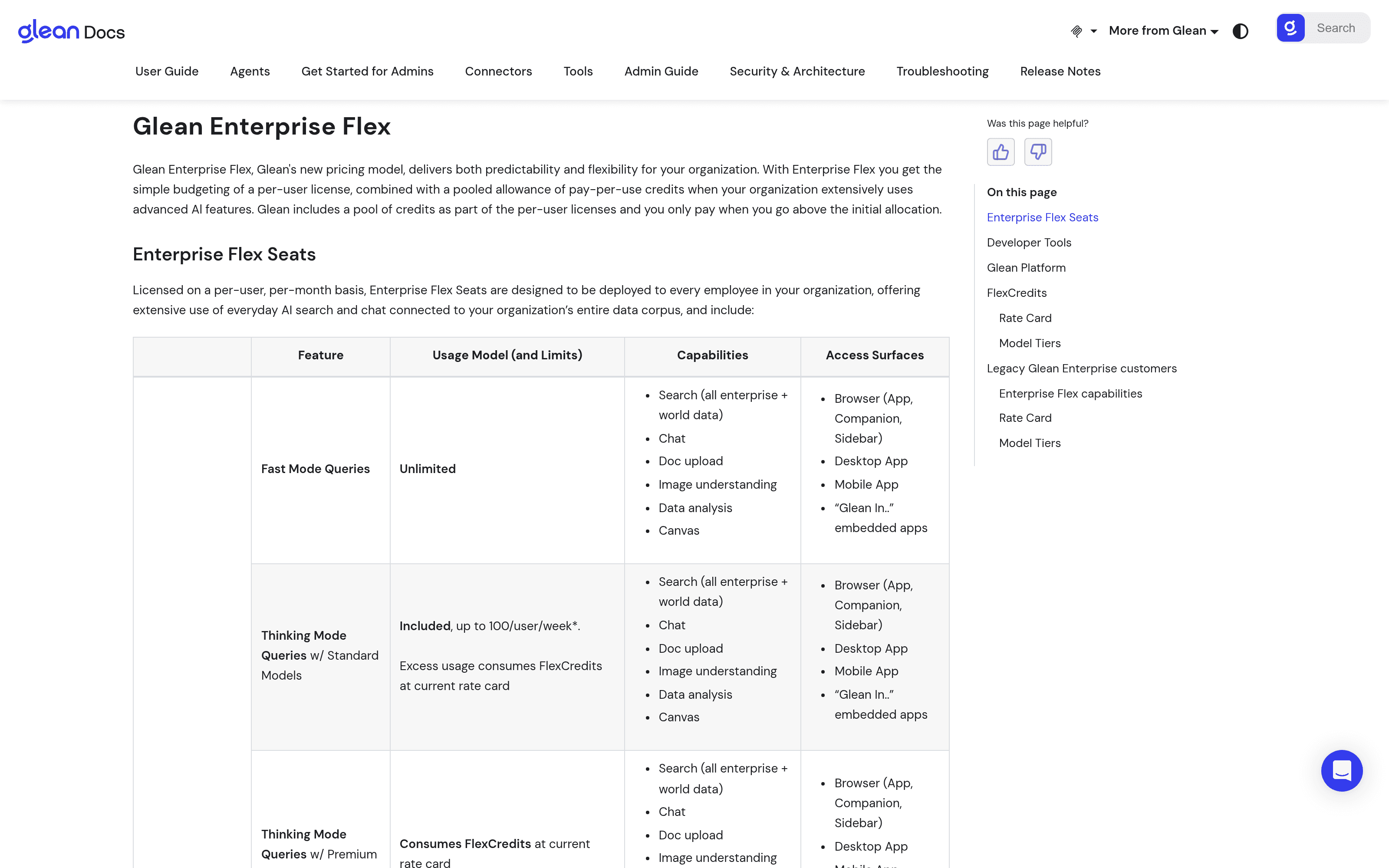
The Agent Library is the part you can actually browse today, and it's the most concrete thing on the whole site. Around thirty prebuilt agents, tagged by department. A few that show the range: SEO article evaluation audits a blog post against a 21-point helpful-content checklist and returns a scorecard. Resolve Jira ticket turns an issue into a review-ready pull request plus a summary of what changed. Delegation tracker surfaces every ask you've made that never got a reply. Deal loss insights works out why you're losing deals.
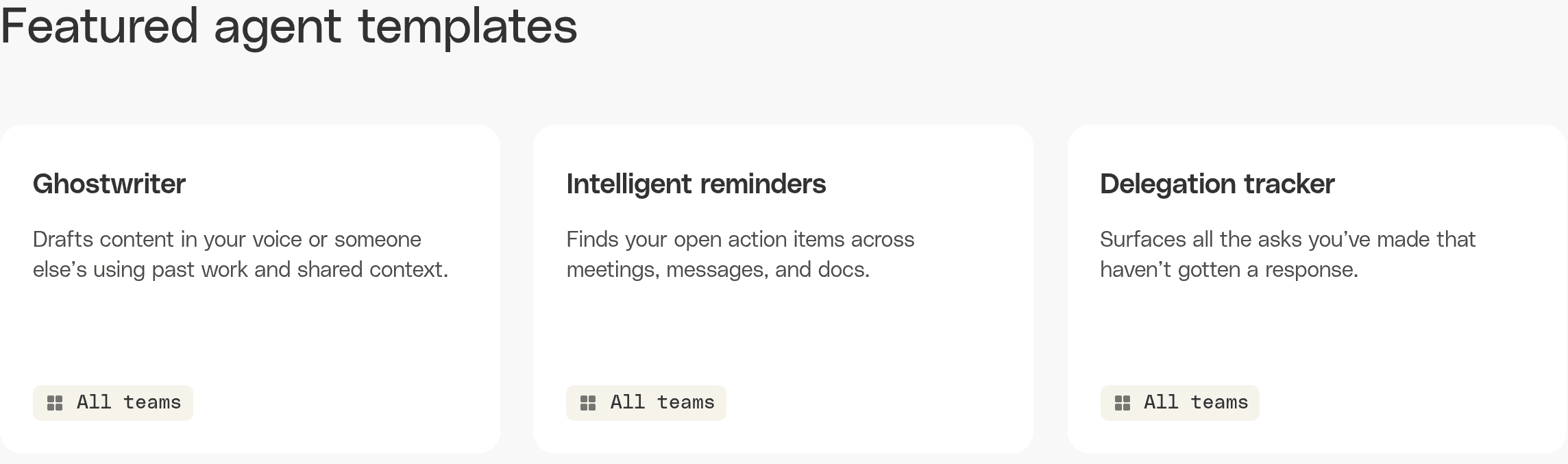
I like this library more than I expected to. Not because the agents are clever — several are things you could prompt your way to in an afternoon — but because a named, department-tagged catalogue is how you get non-technical staff to adopt any of this. "Here are thirty things that already work, pick one" beats a blank text box every time. Glean's own claim is value in "days, not months," and starting from templates is the only version of that claim I find plausible.
The flip side, which their customer numbers hint at without meaning to: Zillow has 3,400+ agents, Ericsson 2,700+. That's impressive adoption and also a governance problem in waiting. Glean clearly knows it — there's a whole observability layer tracking adoption, error rates, upvotes, downvotes and ROI per agent, and a certification flow for blessing the good ones. You will need it.
A quick roundup of what else is in the box:
Glean does not publish prices. glean.com/pricing redirects to the homepage. Everything routes through sales.
But — and this is the most interesting thing I found — Glean does publish the structure and the full consumption rate card in its documentation, which almost nobody in enterprise software does. It's worth understanding before you take the call.
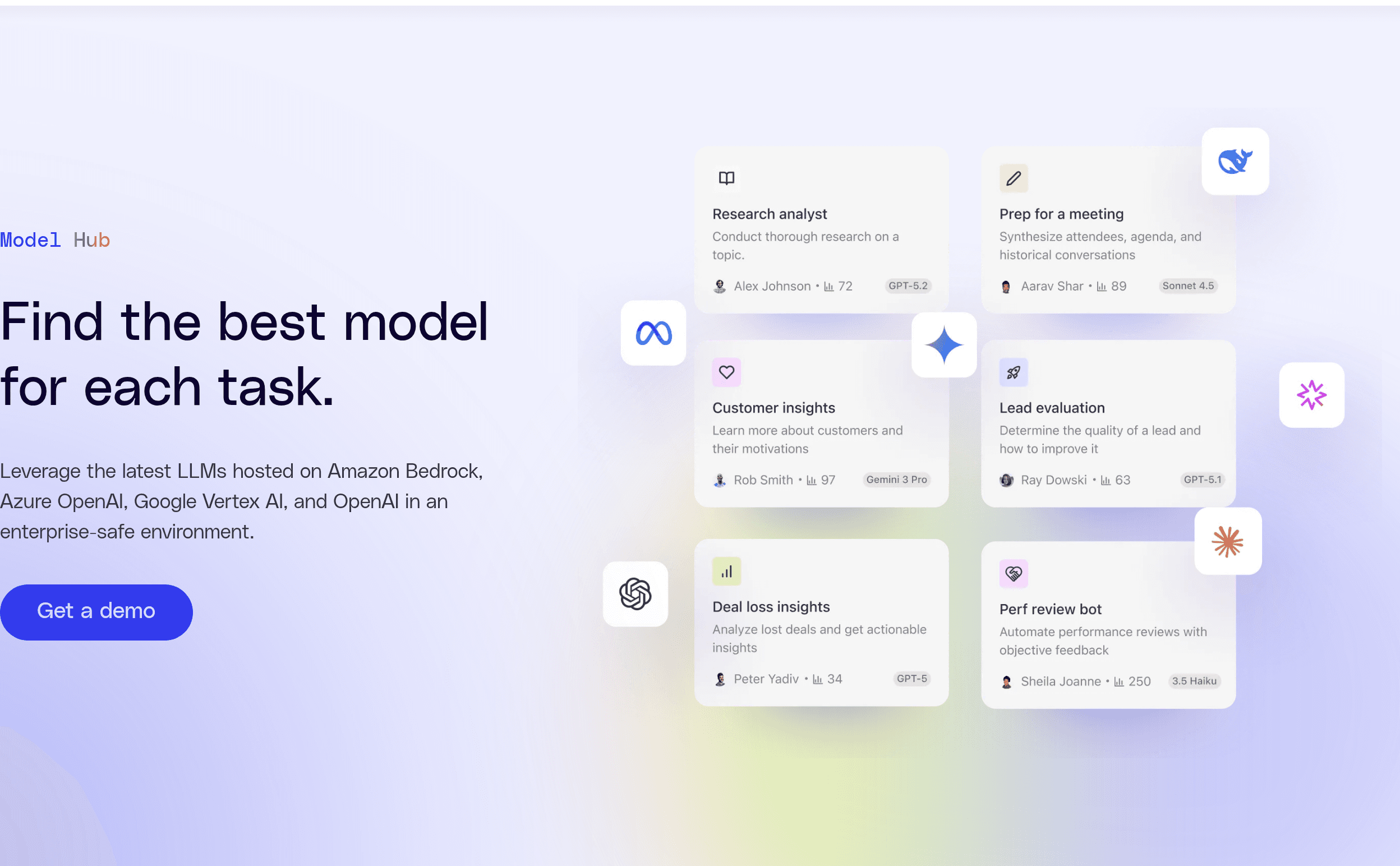
The model is called Enterprise Flex, and it's a hybrid. You buy Enterprise Flex Seats per user per month, meant to be deployed to everyone. Seats include unlimited Fast Mode queries, unlimited collections and go-links, and unlimited agent creation, testing and sharing. On top sits a pooled, org-level allowance of FlexCredits that covers the expensive stuff.
The dividing line is reasoning. Thinking Mode with standard models is included up to 100 queries per user per week; past that, and for any premium model, you're spending credits. Here's the published consumption, at median and 90th percentile:
A Fast Mode query costs nothing from the Assistant. A Thinking Mode query on standard models runs ~7 credits typical, ~26 at the 90th percentile. On premium models that jumps to ~35 and ~120. A Code Writer query is ~9 / ~32. Deep Research is ~33 / ~144. Slide generation, surprisingly, is one of the priciest at ~45 / ~142. A Glean Agent run is ~7 typical but ~114 at the 90th percentile — a 16x spread that tells you agent costs are extremely hard to forecast.
Glean doesn't publish what a FlexCredit costs in dollars, so the rate card tells you relative cost, not absolute. Two more line items to ask about: Glean Protect+ and Premium Support are separately licensed annual fees on top.
For actual money, the best public data I know of is Vendr, which brokers real contracts: a median Glean contract of about $98,890 a year, ranging from roughly $30,000 to $209,000, across 174 purchases. They also report minimum commitments typically in the 100–250 user range and annual escalators of 3–7%. Treat the widely-repeated "$50 per user per month" figure with suspicion — it traces back to competitor blog posts, not to Glean.
One genuine lever: Glean discounts both seats and credits if you bring your own LLM keys or self-host in your private cloud.
Glean makes sense if you're:
It does not make sense for small teams, and I want to be direct about that since most people reading Uneed are building small things. If you're under a hundred people with your work in three tools, Glean is enormous overkill — you'll pay six figures to index a corpus you could search by asking the four people who wrote it. The minimum commitments alone put it out of reach, and that's fine. It isn't built for us.
There's also a harder question for mid-size companies. Microsoft can bundle Copilot into M365 seats you already pay for. Glean has to be enough better to justify a separate six-figure line item, and its own CEO has publicly acknowledged that Google, Microsoft, OpenAI, Anthropic, Salesforce and Atlassian all want this market now. Glean's answer is depth — better connectors, a real graph, single-tenancy, model choice — and on the evidence that's a real answer. But it's a bet you're making, not a settled fact.
Glean is a serious piece of infrastructure, and it's serious in the unglamorous places: permission inheritance, entity disambiguation, per-connector crawl schedules, versioned agents with rollback, a published consumption rate card. Those are the things that decide whether an enterprise AI platform survives contact with a real company, and Glean has clearly spent its years on them rather than on the demo.
It's also expensive, opaque about price until you talk to sales, and completely dependent on the quality of what you feed it. The most useful line I found in the public reviews was someone saying the answers weren't relevant to their search, and then adding that this probably reflected their own data more than the tool. That's the honest summary. Glean is a very good lens. It cannot invent focus that your documentation never had.
If you're at the scale where this makes sense, it's worth the demo call: glean.com
What I liked:
Things to keep in mind:
If your company's knowledge is real but unfindable, Glean is built for exactly that problem: glean.com